MINE KART
A downloadable game
Turn your Minecraft worlds into racing tracks!
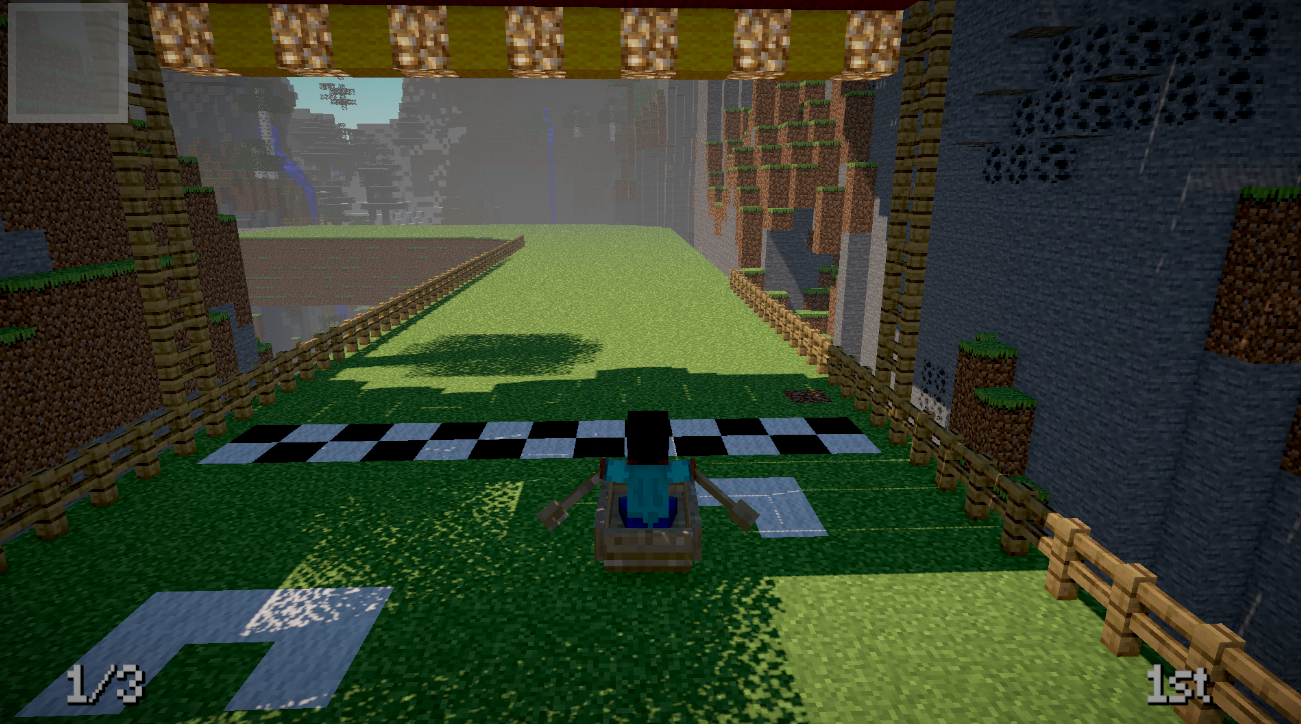
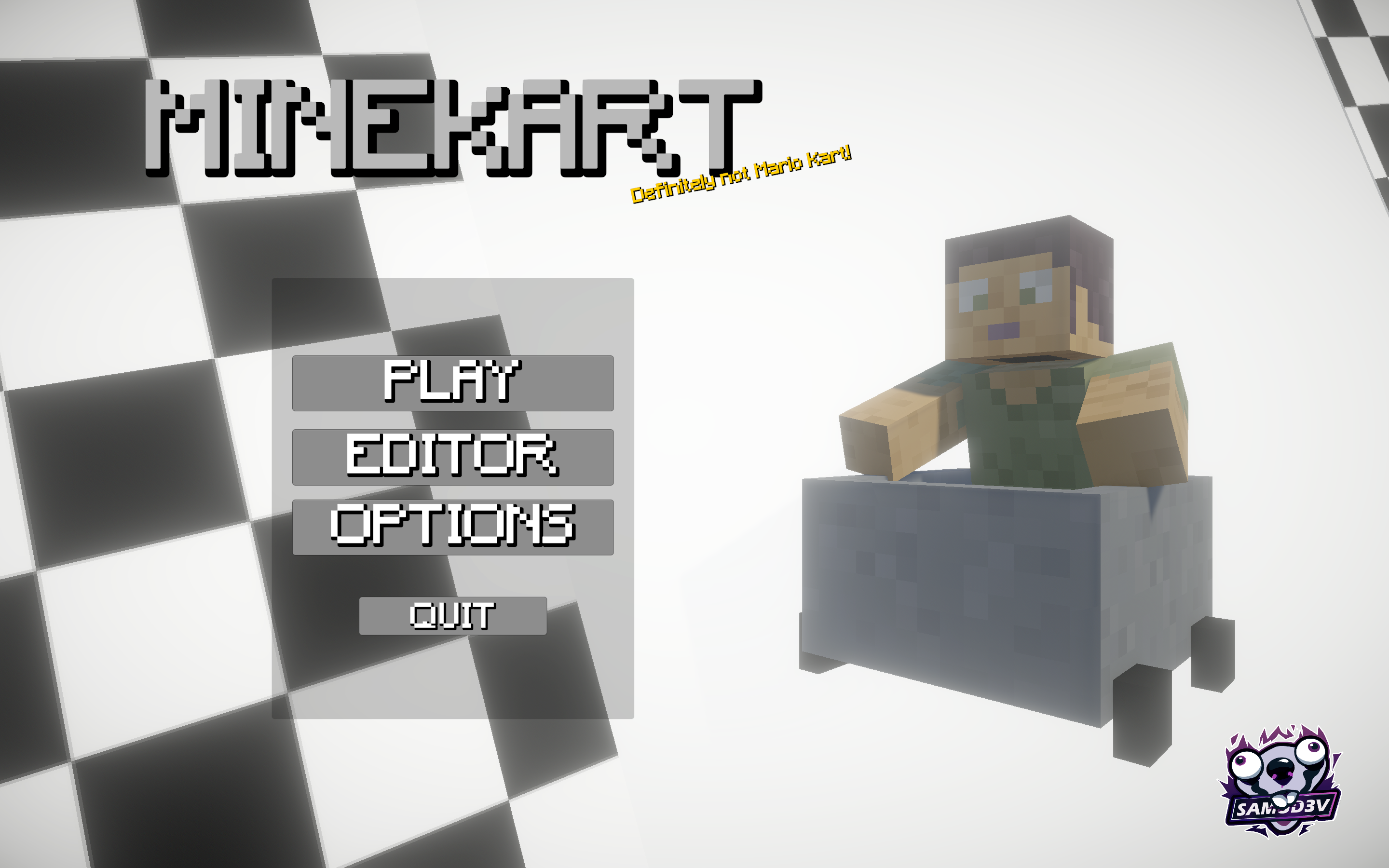
Mine Kart is a fan-made arcade racing prototype that lets you transform Minecraft worlds into playable kart-racing circuits.
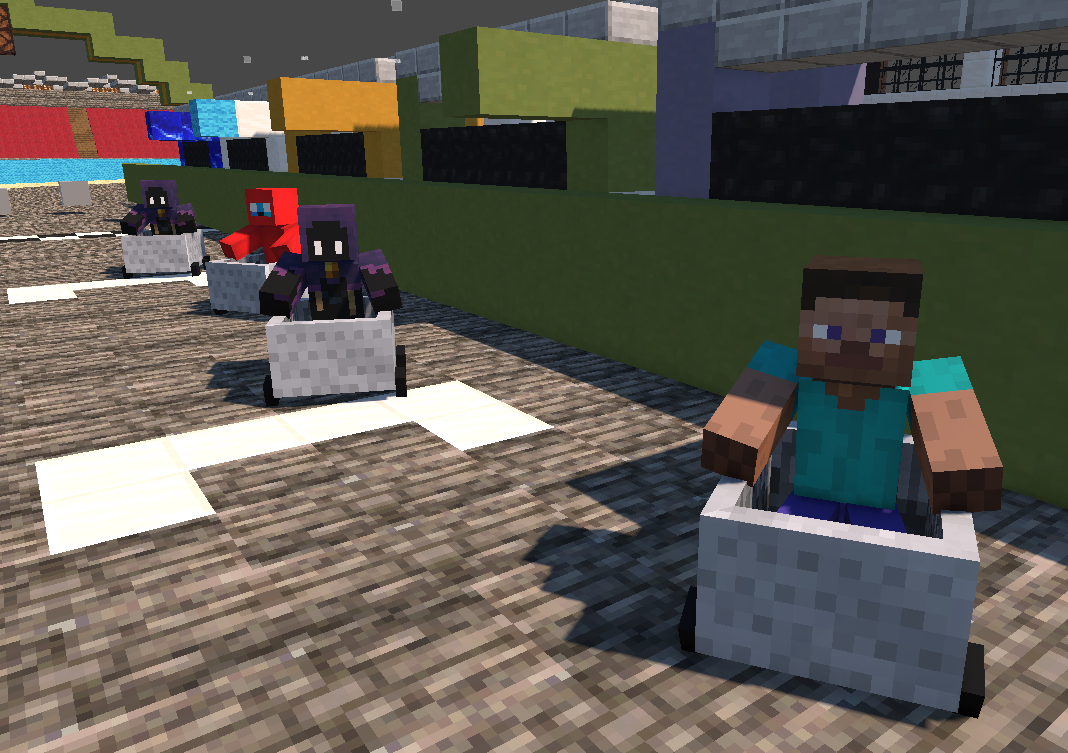
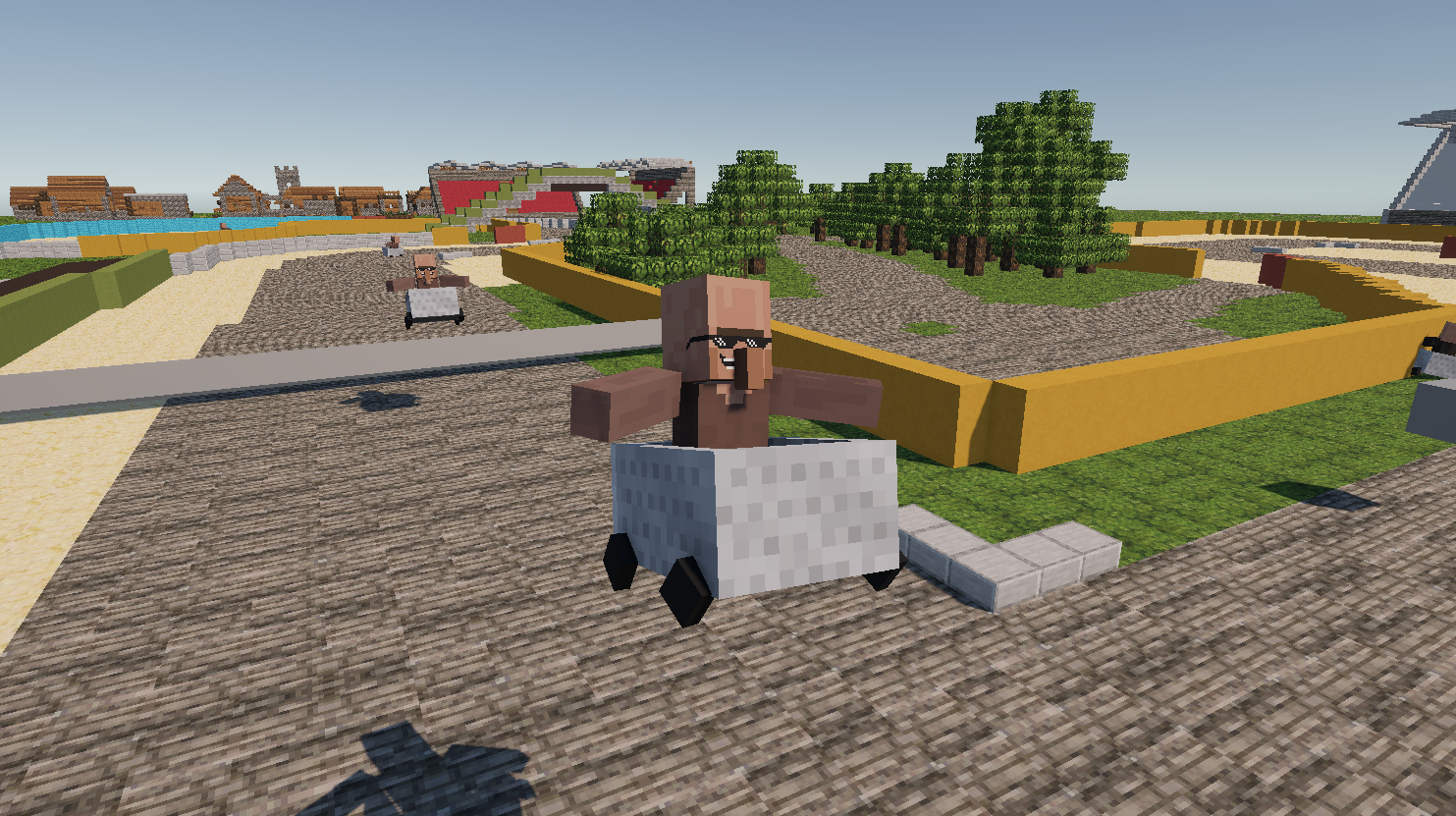
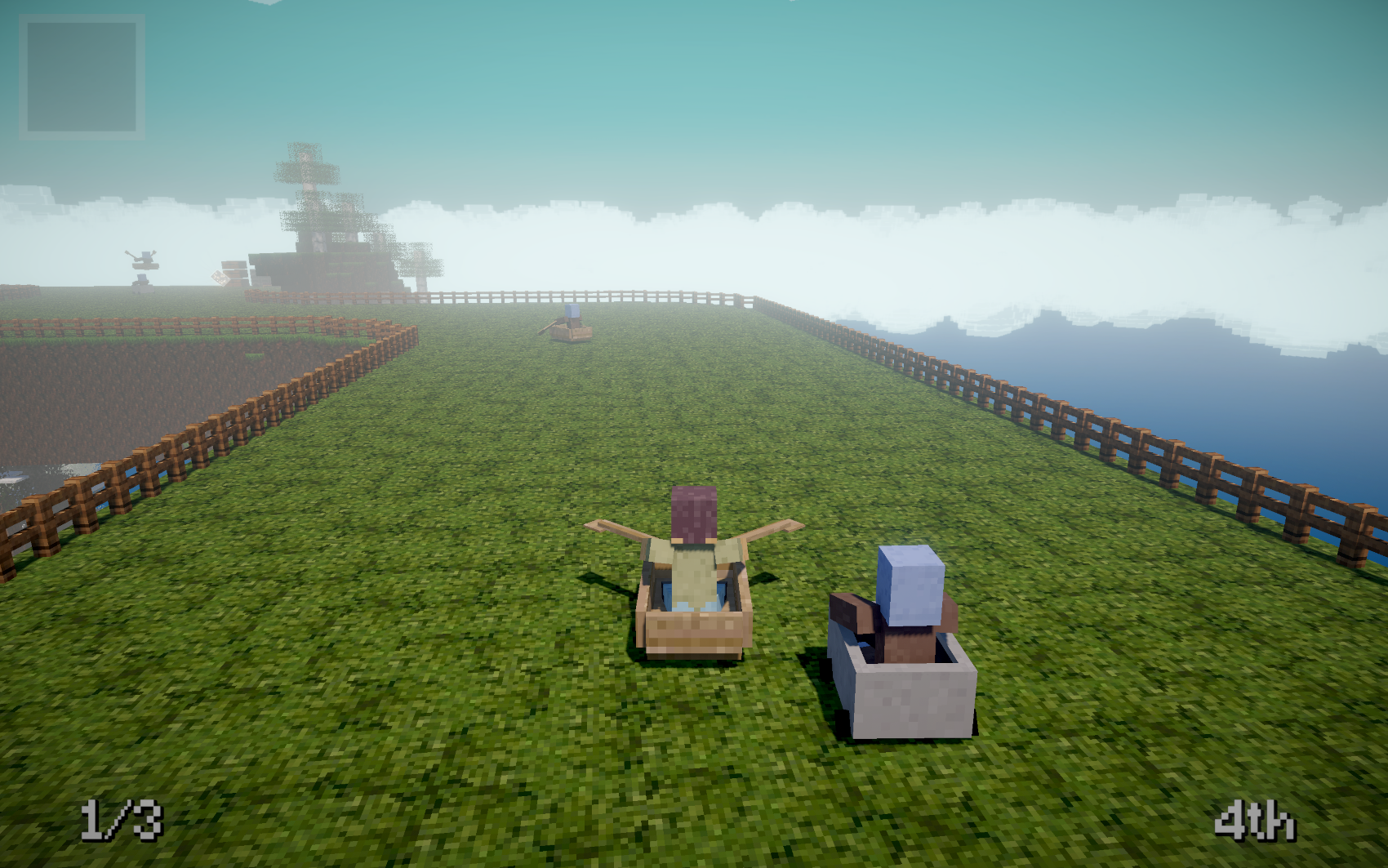
Import your own world, prepare the racing route and compete against your friends or computer-controlled racers in chaotic local matches. Players can use custom skins, while rival villagers race around the track using minecarts and boats as vehicles.
Current features
- Import custom Minecraft environments
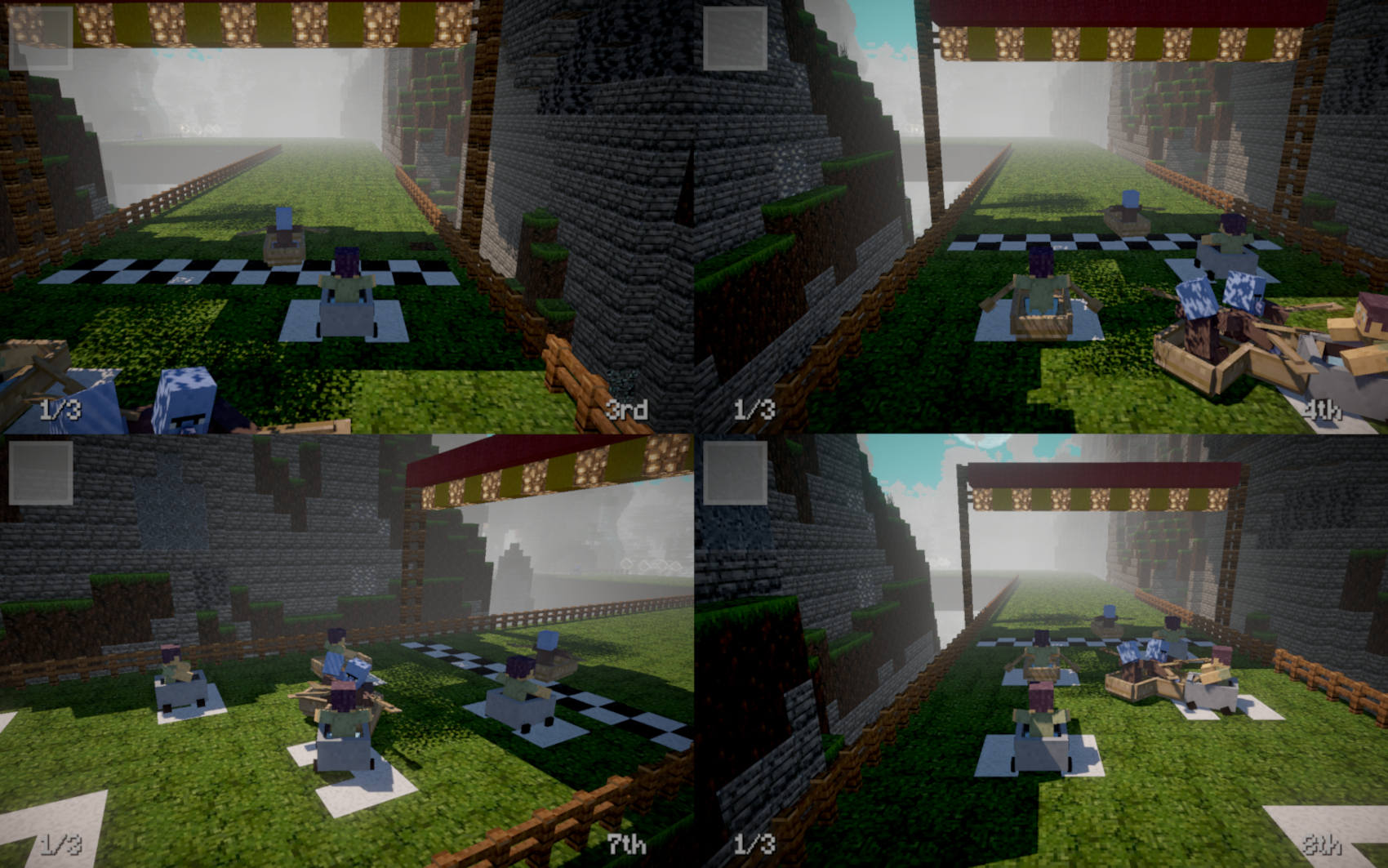
- Local split-screen multiplayer
- Computer-controlled opponents
- Custom player skins
- Custom villager skins
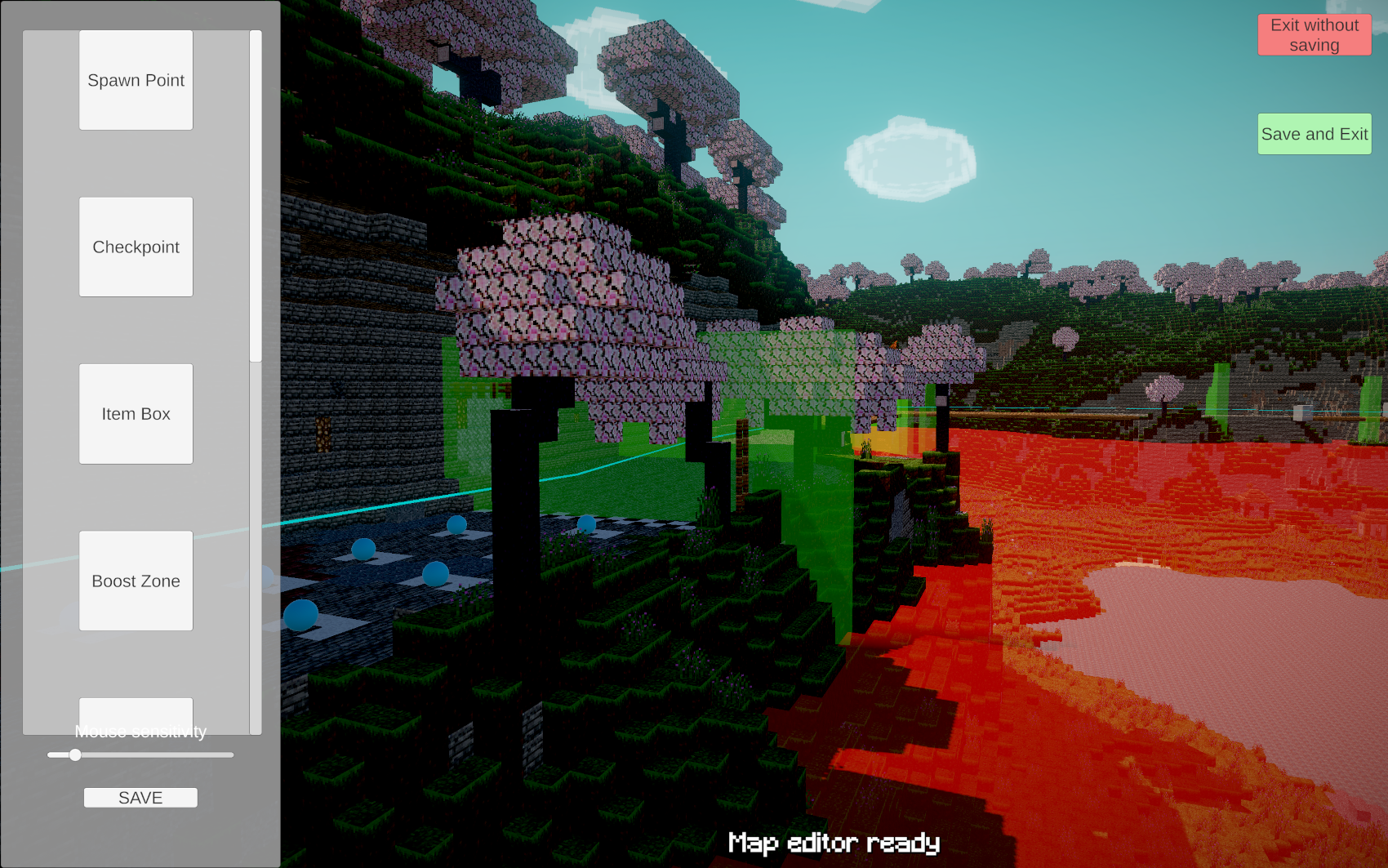
- Track configuration and checkpoint placement
- Randomized minecart and boat vehicles
- Arcade-style racing controls
This is an early prototype created as part of a game-development video. The project may receive more tracks, characters, vehicles, items, dimensions and customization options depending on player feedback.
How to import a Minecraft map
You can use Mineways to export an area from a Minecraft: Java Edition world and play it as a racing track.
1. Export the map with Mineways
1. Open your Minecraft world in Mineways.
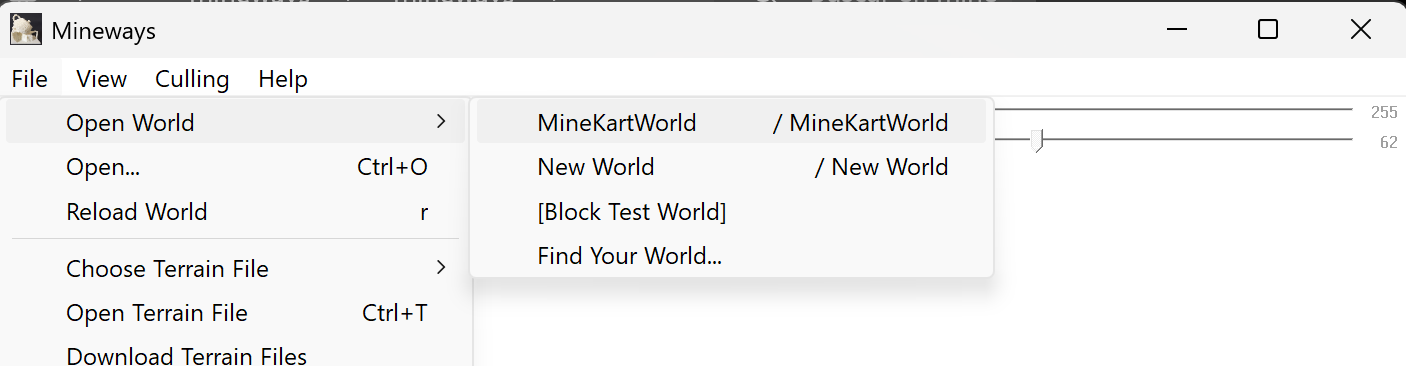
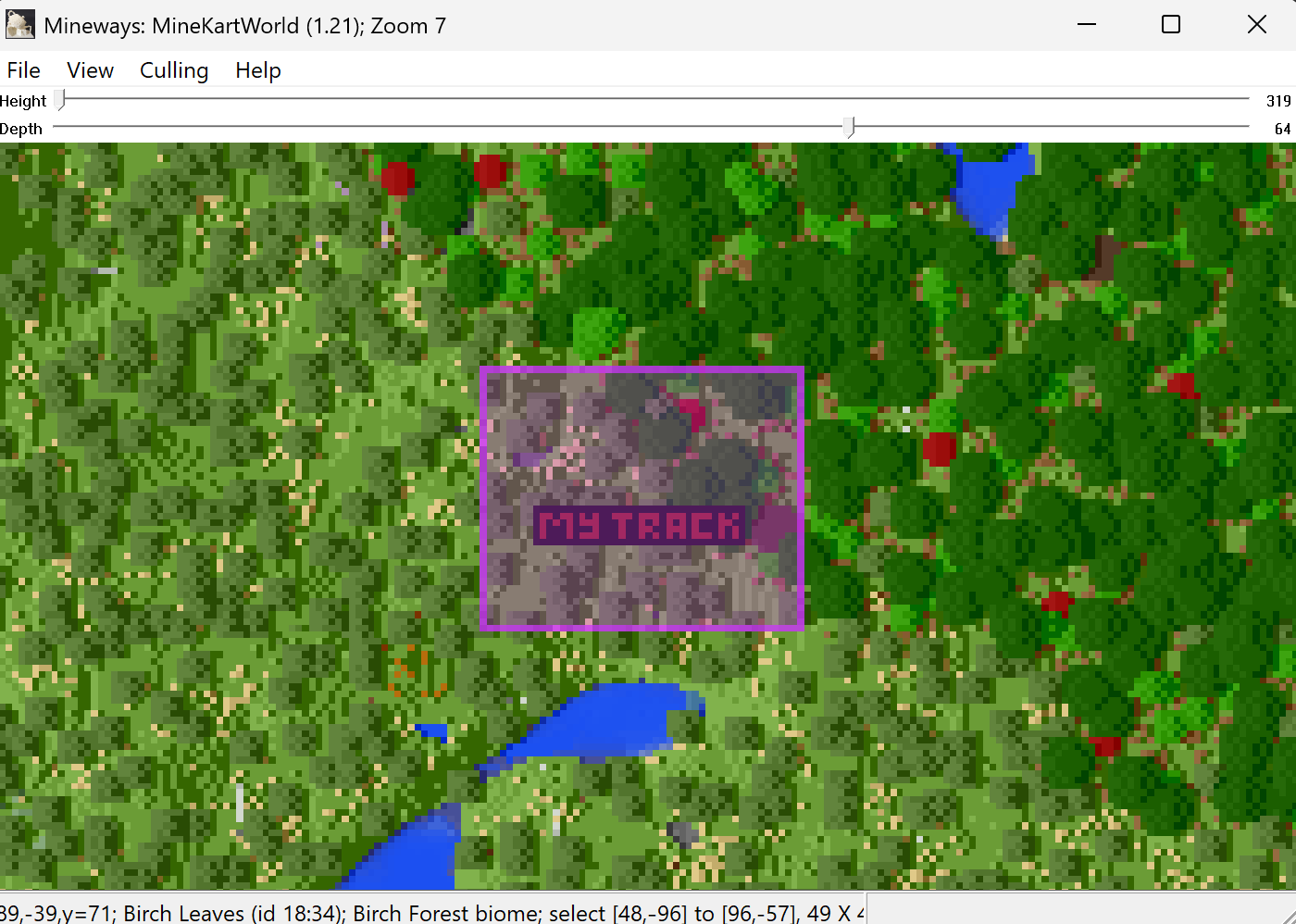
2. Select the area you want to use as your racing track.
3. Select File → Export for Rendering.
4. Export the map as a Wavefront OBJ (.obj) file.
5. In the texture settings, select:
Export all textures to three large, mosaic images
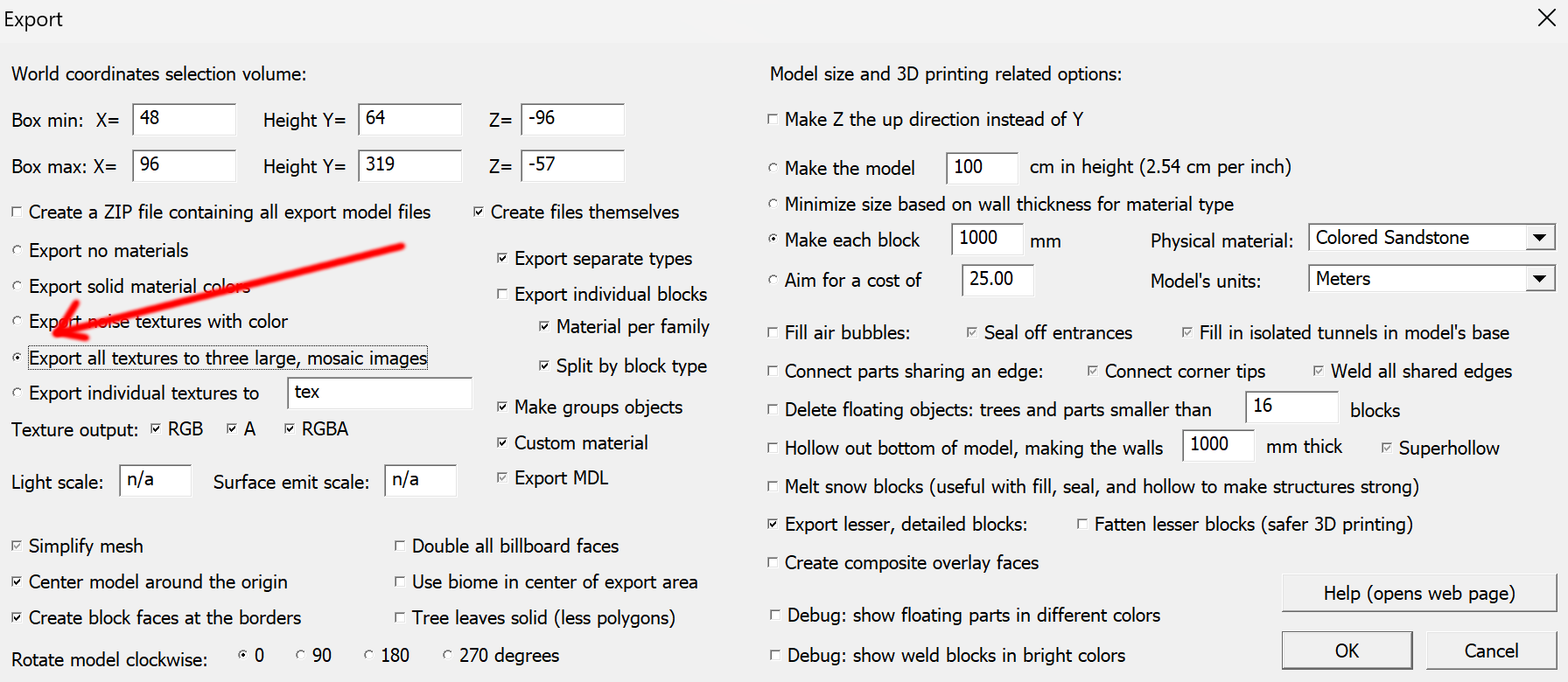
For the best results, avoid exporting an excessively large area. Very large maps may take longer to load or affect game performance.
2. Install the map
Place the exported map files inside the Maps folder included with the game.
Example:
MINE KART/ └── Maps/ ├── MyTrack.obj └── MyTrack.mtl
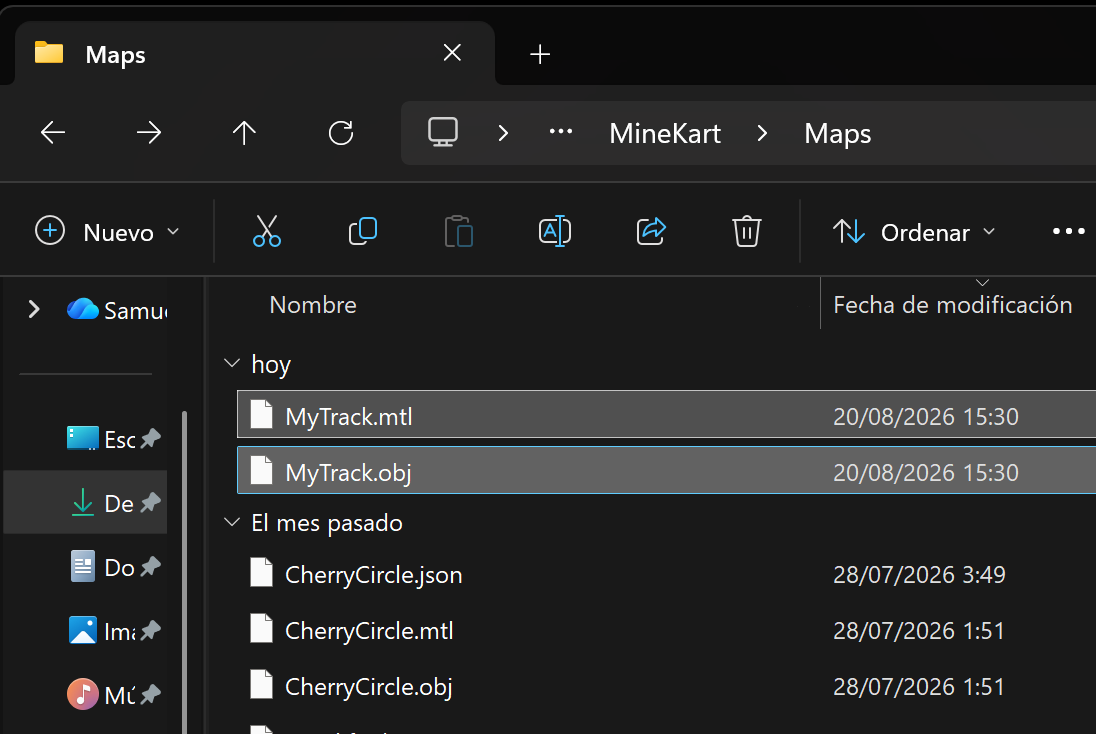
Do not rename or remove the files associated with the OBJ unless necessary.
Open the map in the Track Editor and set up the circuit before playing.
You must:
- Place 8 Spawn Points on the starting grid.
- Place Checkpoints around the entire circuit, in the order they should be crossed.
- Make sure the checkpoints cover a complete lap and that none are missing.
The track will not work correctly until all 8 Spawn Points and the circuit checkpoints have been placed.
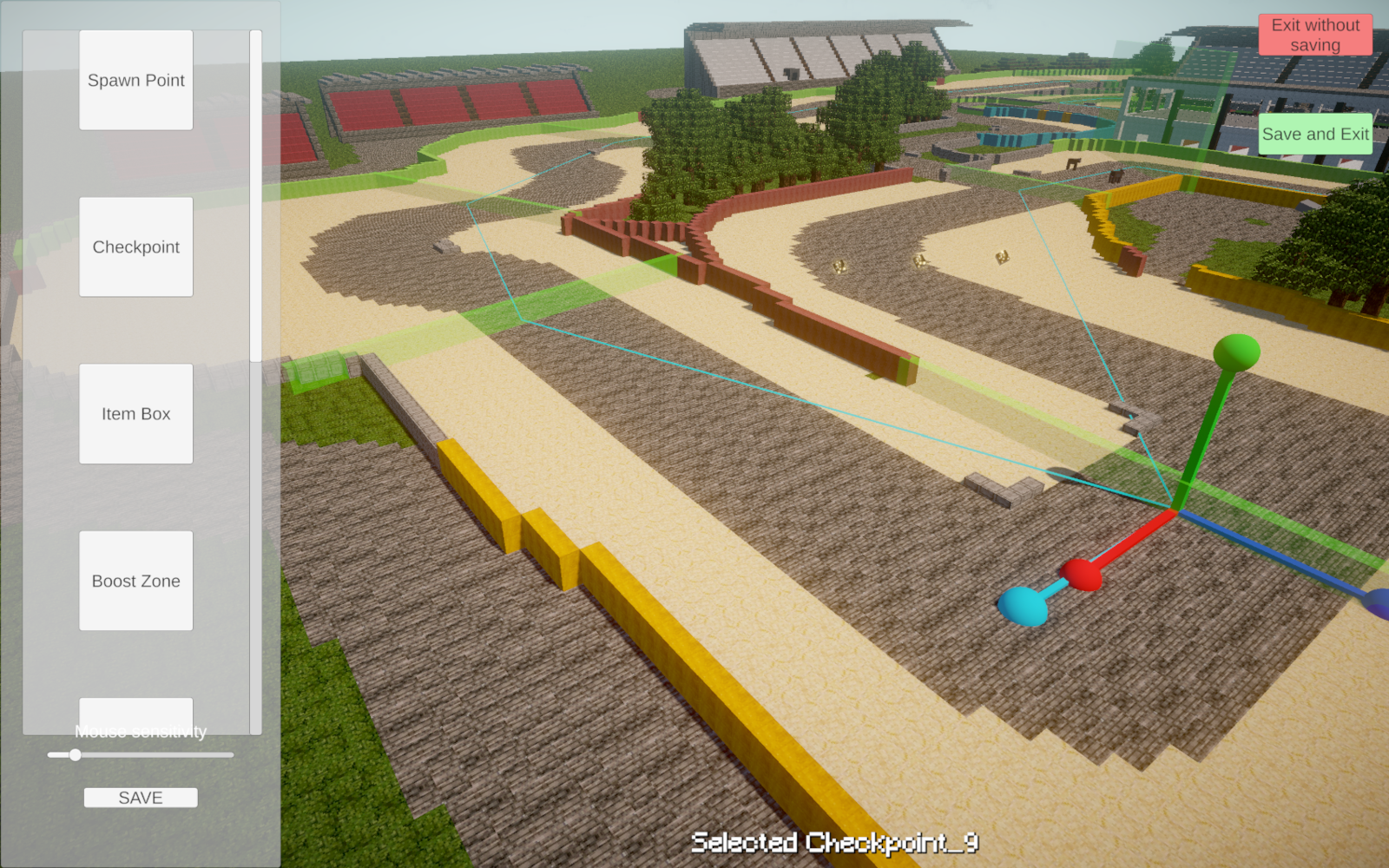
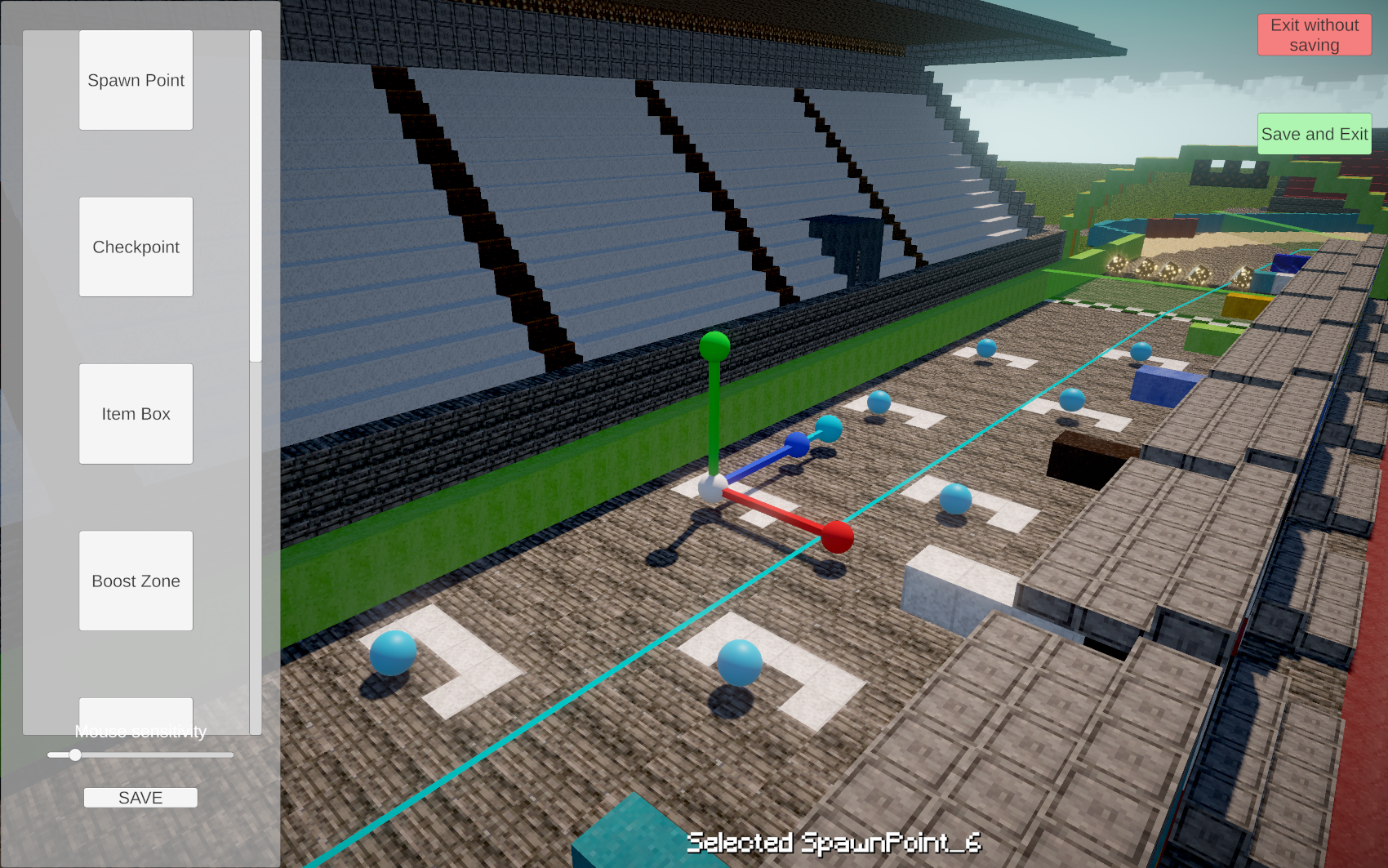
You can also check the included example maps to see how everything should be set up. Amplified is the best example for understanding where to place the Spawn Points, Checkpoints, and other track elements.
3. Install the map textures
Place the map textures inside the Textures folder.
The main colour texture must be named exactly:
MODAtlas.png
The emissive texture, when used, must be named:
EmissiveBlocks.png
Your folders should look like this:
MINE KART/ ├── Textures/ ├── MODAtlas.png └── EmissiveBlocks.png
EmissiveBlocks.png is optional. You only need it when your exported map contains blocks that should glow.
Make sure the filenames and capital letters match exactly.
Custom racer skins
You can add your own Minecraft skins for the playable racers.
Place the skin images inside:
Textures/Steve/
The skins can have any filename.
Example:
Textures/ └── Steve/ ├── Samu.png ├── Alex.png └── Racer01.png
The game will randomly select skins from this folder for the players.
Custom NPC skins
Computer-controlled racers use villager skins.
Place their texture images inside:
Textures/Mobs/
Every NPC texture filename must begin with:
Villager_
Examples of valid filenames:
Villager_Farmer.png Villager_Red.png Villager_Racer01.png
Examples that will not work:
Farmer.png RacingVillager.png NPC01.png
The Villager_ prefix is required for the game to recognize the texture as an NPC skin.
How to play
Download and extract the ZIP file before launching the game. Keep the executable and all included folders together.
The game is currently available for Windows.
Because this is an early prototype, you may encounter bugs, compatibility issues or unfinished features. You can report any problems in the comments and include the name of the map you were trying to import.
Disclaimer
NOT AN OFFICIAL MINECRAFT PRODUCT. NOT APPROVED BY OR ASSOCIATED WITH MOJANG OR MICROSOFT.
Minecraft and its associated names, characters and assets belong to Mojang Studios and Microsoft. Mine Kart is an independent fan-made project created by SamuD3v.
Download
Comments
Log in with itch.io to leave a comment.
ok es bueno. pero ¿como se giran los checkpoints en el editor?
Hare un tutorial dentro de poco por ahora W para mover, E para rotar y R para escalar
Esta bueno
Gracias 😊